Simple Tips for Organizing Your Workspace to Boost Productivity and Reduce Stress
himebeo.pro >> community>> Simple Tips for Organizing Your Workspace to Boost Productivity and Reduce StressSimple Tips for Organizing Your Workspace to Boost Productivity and Reduce Stress
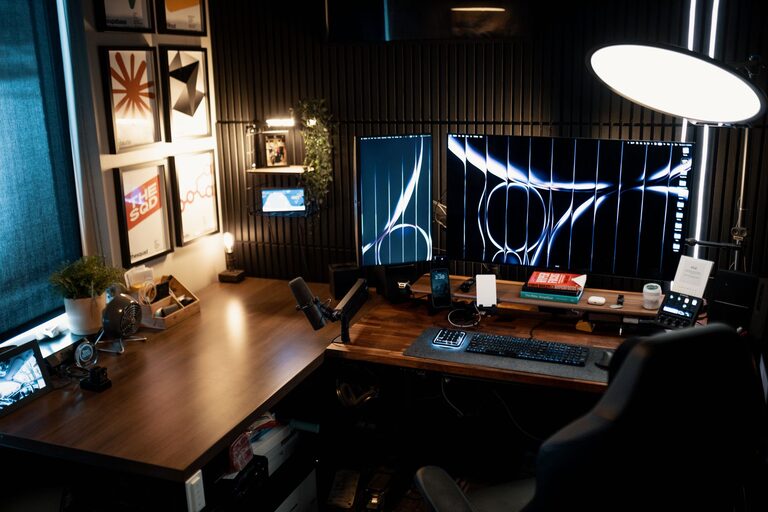
Creating an organized and clutter-free workspace can have a significant impact on your productivity and overall stress levels. Whether you work from home or in an office, a tidy space helps you focus, find what you need quickly, and enjoy your work environment more. If your desk is currently a mess of papers, cables, and office supplies, don’t worry! Here are simple, practical tips to help you organize your workspace and boost your productivity.
Why Organize Your Workspace?
Before diving into the tips, it’s helpful to understand why organizing your workspace matters. A cluttered desk can lead to distractions, wasted time searching for items, and increased feelings of stress or overwhelm. An orderly workspace creates a calm atmosphere that promotes concentration, creativity, and efficiency.
Step 1: Declutter Your Desk
Remove Everything
Start by clearing off your desk completely. Remove papers, gadgets, and other items so you have a clean slate.
Sort Items into Categories
Sort the items into groups such as office supplies, documents, personal items, and trash. This step helps you decide what to keep, store elsewhere, or toss.
Keep Only Essentials
Evaluate which items you truly need within arm’s reach. Limit your desktop to essentials like your computer, a notepad, and a pen. Store less frequently used items in drawers or shelves.
Step 2: Use Smart Storage Solutions
Drawer Organizers
Drawer organizers keep small supplies like paper clips, pens, and sticky notes neatly separated. Using compartments prevents clutter from building up.
Shelves and Filing Systems
Use shelves, file folders, or magazine holders to store books, papers, and manuals. Label folders clearly to make finding documents fast and straightforward.
Cable Management
Tidy cables with clips, sleeves, or ties to avoid tangles. Keeping cords organized not only improves appearance but also prevents damage to cables.
Step 3: Optimize Your Desk Layout
Position Your Monitor Properly
Place your monitor directly in front of you at eye level. This setup reduces neck strain and helps maintain good posture.
Arrange Supplies by Frequency of Use
Keep the items you use most often within easy reach. Less-used items can be stored a bit farther away.
Allow Space for Note-Taking
Reserve a clear space on your desk for writing notes or laying out documents. Having this free area encourages productivity.
Step 4: Maintain Cleanliness Daily
End of Day Cleanup
Spend a few minutes at the end of each day tidying your workspace. Put away papers, straighten your supplies, and wipe down surfaces.
Develop Habits to Prevent Clutter
Be mindful of how you use your space. Avoid piling papers or leaving food and drinks unattended on your desk.
Step 5: Personalize Thoughtfully
Add Inspiring Elements
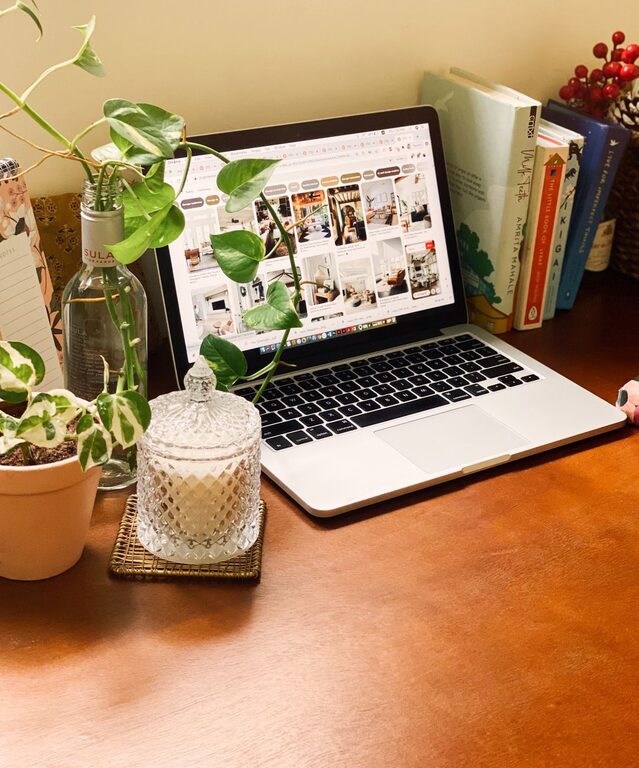
A few personal touches like a plant, a photo, or artwork can make your workspace pleasant without causing distraction.
Avoid Overdecorating
Keep decorations minimal to maintain a calm and uncluttered environment.
Bonus Tips: Digital Organization
Organize Your Digital Files
Delete unnecessary files and organize documents into clearly named folders on your computer.
Use Task Management Apps
Digital to-do lists and calendars help keep your projects and deadlines organized.
—
By following these simple steps, you’ll create a workspace that supports your focus and productivity while reducing stress. Remember, organization is a continuous process—regularly revisit your setup to ensure it continues to meet your needs. Here’s to a calmer, more efficient workday!
Related Post
Tips for Creating a Cozy and Inviting Home Workspace
Creating a cozy and inviting home workspace is essential for anyone looking to stay productive…